
About PixMaker AI
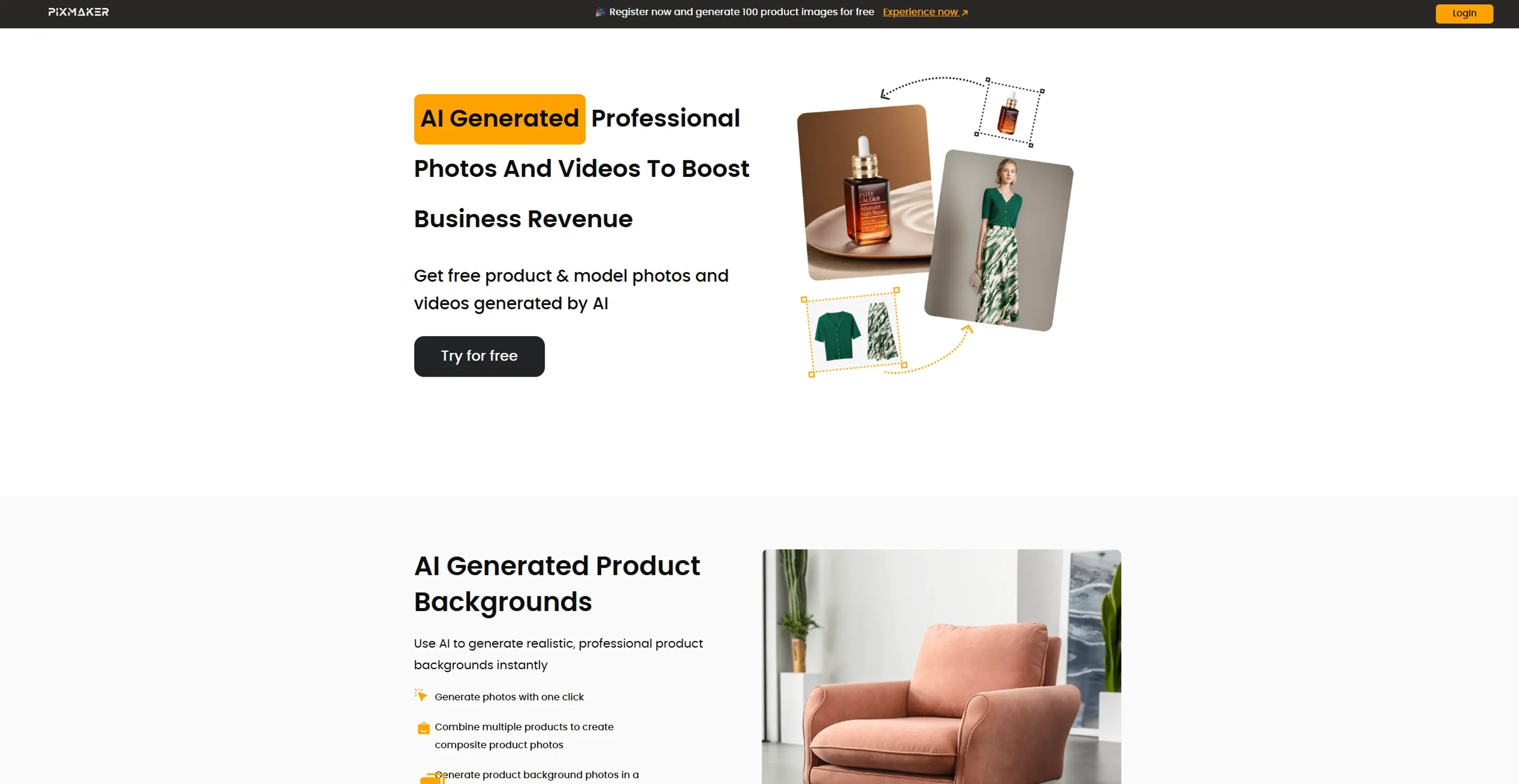
PixMaker AI is an AI-powered image editing and design platform that streamlines seamless creative workflows for graphic designers, marketers, and content creators. It offers a rich template library, real-time collaboration, and intelligent design suggestions to efficiently automate and quickly enhance the creative process. With a user-friendly interface and cost-effective plans, it easily supports e-commerce product imagery, marketing campaign visuals, social media posts, and more. The tool includes a 14-day free trial and a Pro tier starting at $19.99 per month.
Key Features
- AI-Powered Image Editing: Utilizes cutting-edge algorithms to enhance and manipulate images with precision.
- Template Library: Offers a vast collection of customizable templates for various design needs.
- Real-Time Collaboration: Enables multiple users to work on projects simultaneously, enhancing team productivity.
- Smart Suggestions: Provides intelligent design suggestions based on project context and user preferences.
Pricing Details
- Free Tier: Experience PixMaker AI with a 14-day free trial.
- Pro Tier: The Pro Tier starts at $19.99 per month.
Pros
- Time Efficiency: Streamlines the design process, significantly reducing task completion time.
- User-Friendly Interface: Intuitive design facilitates easy navigation and use, even for beginners.
- Cost-Effective: Offers affordable plans that deliver high value through automation and advanced features.
- Versatile Applications: Suitable for a wide range of industries and creative projects.
Cons
- Initial Learning Curve: Some users may require time to fully utilize advanced features.
- Limited Offline Functionality: Requires an internet connection for optimal performance.
Use Cases
- E-commerce Businesses: Utilizing the tool for enhancing online product imagery.
- Digital Marketing Agencies: Employing the tool for creating visually appealing campaign content.
- Social Media Managers: Leveraging the tool to create engaging social media posts.
- Graphic Designers: Using the tool for efficient design workflows.
- Uncommon Use Cases: Utilized by educational institutions for teaching marketing courses; Adopted by freelance photographers for streamlining editing processes.