
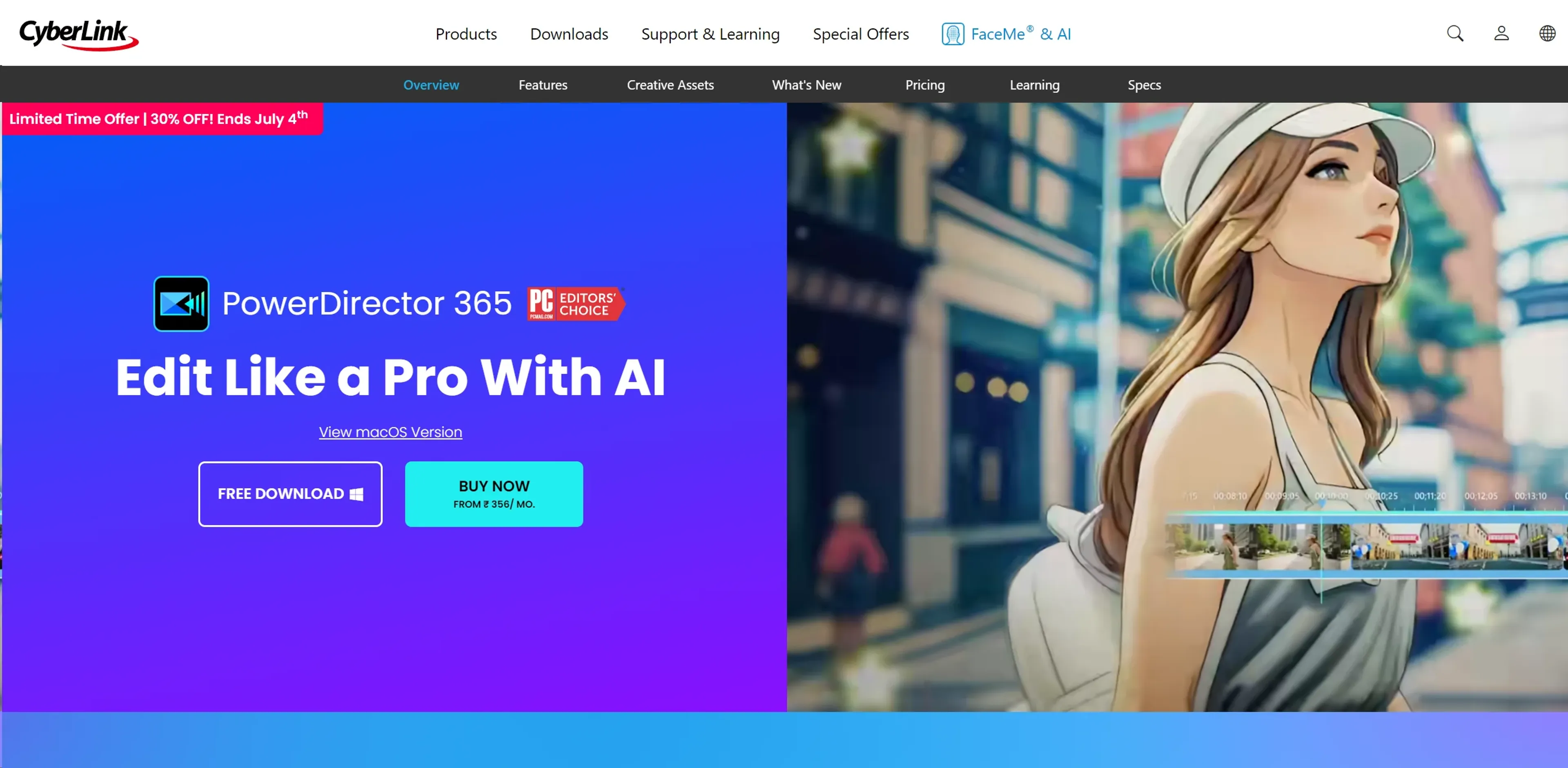
About PowerDirector
PowerDirector by CyberLink is a comprehensive video editing suite designed for both amateur and professional creators. It leverages AI to automate complex tasks like object tracking, scene detection, and voiceovers, significantly reducing post-production time. The software includes thousands of effects and templates, supports 360-degree video editing, and works seamlessly on Windows and macOS. With an intuitive interface, high-speed rendering, and regular updates, it offers excellent value, starting at $4.58 per month with a feature-rich free tier. Ideal for social media content, corporate presentations, and indie filmmaking.
Key Features
- AI-Powered Editing Tools: PowerDirector uses advanced AI algorithms to automate complex editing tasks such as object tracking, scene detection, and even voiceovers, significantly reducing the time and effort required in post-production.
- Extensive Effects Library: With thousands of effects and templates, users can easily enhance their videos to professional standards, from simple drag-and-drop operations to more intricate adjustments.
- Multi-Platform Compatibility: Available for both Windows and macOS, PowerDirector ensures a seamless editing experience across different operating systems, making it ideal for teams working in diverse computing environments.
- 360-Degree Video Editing: Catering to the latest trends in video technology, PowerDirector supports 360-degree video formats, offering tools to edit and refine immersive video content effectively.
Pricing Details
- Free Tier: PowerDirector Essential offers core functionalities without a time limit.
- Subscription Plans: Starting from $4.58 per month, users can access the full suite of features, including premium plugins and effects.
Pros
- User-Friendly Interface: Even with its vast array of features, PowerDirector maintains an intuitive interface that is easy to navigate for beginners while still meeting the needs of more experienced editors.
- High-Speed Rendering: The software optimizes video rendering, allowing for quicker production times without compromising the quality of the final output.
- Regular Updates: CyberLink frequently updates PowerDirector to include the latest video editing technologies and enhancements, keeping it at the cutting edge of the industry.
- Affordable Pricing: With various pricing tiers, including a significantly feature-rich free version, PowerDirector provides excellent value for money.
Cons
- Resource Intensive: High-level editing functions can be quite demanding on system resources, which might require a more robust hardware setup.
- Overwhelming for Beginners: The sheer number of features and customization options might initially overwhelm new users.
- Limited Cloud Storage: Compared to some competitors, the cloud storage offered is somewhat limited, which might be a concern for users dealing with large video files.
Use Cases
- Professional Video Editors: Utilizing the tool's extensive features to produce cinematic-quality videos.
- Content Creators: Leveraging the software for quick, effective video content creation for platforms like YouTube and Instagram.
- Educational Institutions: Employing PowerDirector in multimedia courses to teach video editing skills.
- Marketing Professionals: Using the tool to create impactful promotional videos and advertisements.
- Uncommon Use Cases: Non-profits use it for creating impactful storytelling videos; amateur filmmakers use it for producing indie films efficiently.